Squarespace 101
You’re about to discover how easy it is to take the wheel of your very own Squarespace website! In this video, we’ll guide you through the essentials—so you can get comfortable navigating your site and making edits with confidence.
We’ll cover:
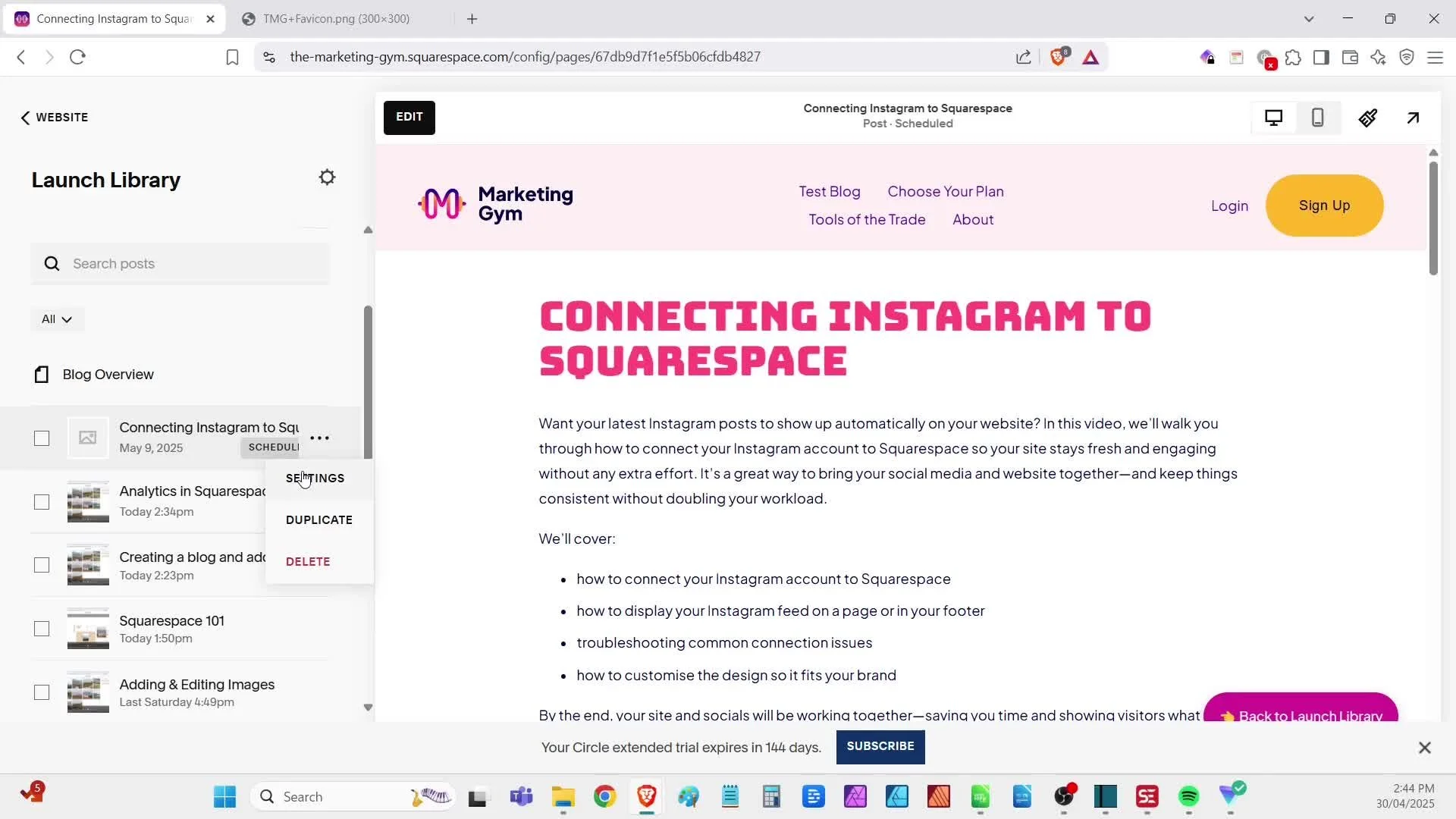
how to log in and find your way around the Squarespace dashboard
how your website is structured using pages, sections, and content blocks
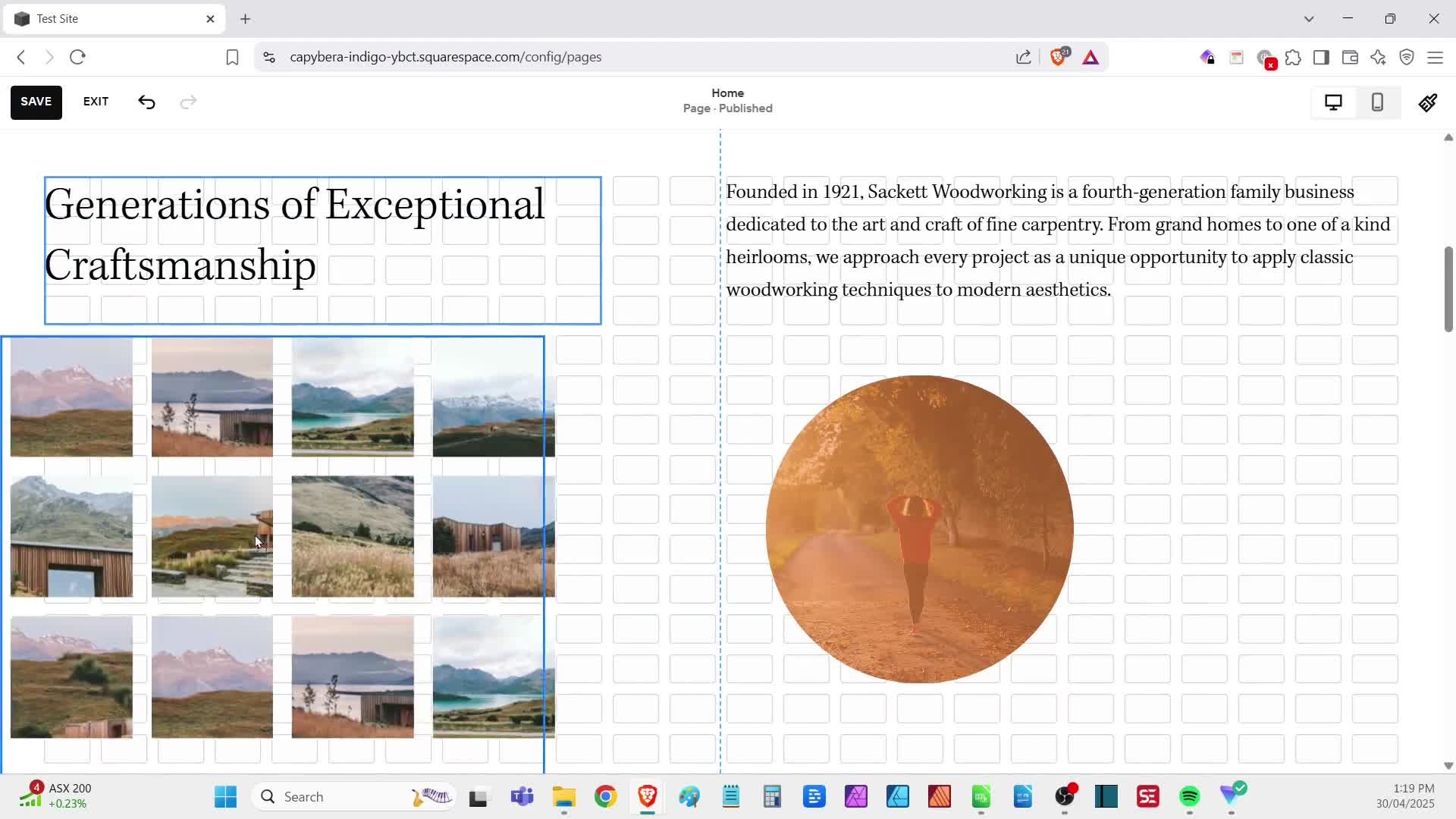
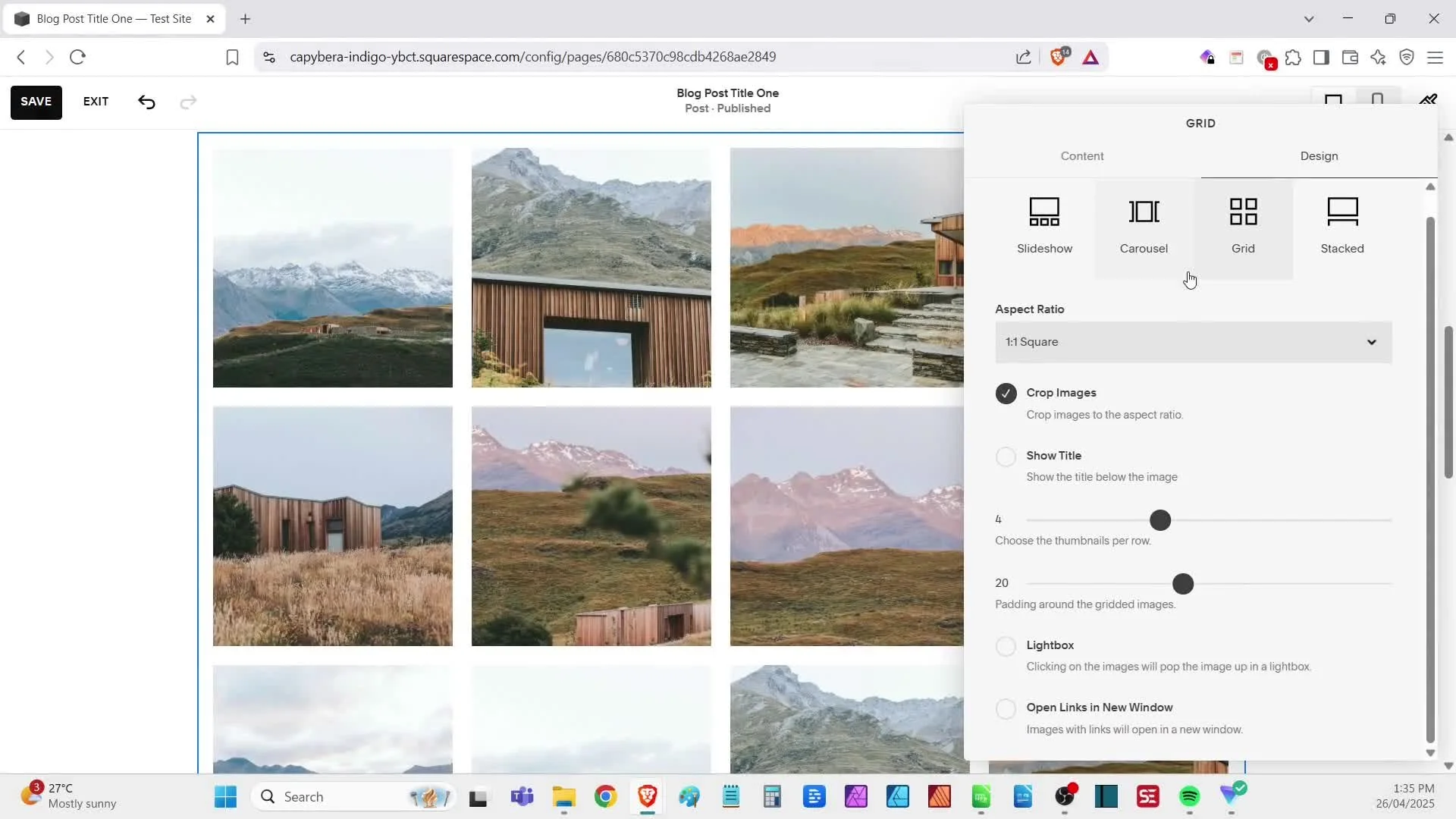
the basics of editing text, images, and layout
how to add a new page
how to save sections for reuse—so you’re not starting from scratch every time
how to disable or enable pages while you’re working on them.
By the end of this walkthrough, you’ll have the basic know-how you need to control of your site—and ready to start shaping it to suit your business.
Why This Matters
Your website should be a tool you feel confident using—not something that collects dust because you’re afraid to break it. Understanding how your Squarespace site is structured (and how to safely edit it) means you can make updates anytime, keep your content fresh, and avoid relying on third parties for simple changes.
Resources:
Squarespace Account - save this in your bookmarks for quick access later
Updating images - check out all the different ways you can add and edit images on your site.
Blogging - this video dives into all the aspects of adding posts to your blog.
Other videos you may find useful: