
If you run a small business, you already know: consistent marketing (especially online) is no longer optional — it’s essential. But while outsourcing your design & social media marketing might sound like a dream, it can quickly become expensive.
Not only that, having all your design (print or digital) completely outsourced to a third party can actually become a bottle neck in your customer engagement, stopping you from jumping in and sharing an update on the fly.
So what’s the solution? That's where Canva comes in.
Canva gives you the best of both worlds: many business owners just starting out can browse through thousands of amazing templates to find something that fits their brand, just to get their message off the ground. For organisations that are more established, and have the ability to invest more in making their suite of in-house brand templates unique, they can work with a designer to set up a great range of print and digital resources that can be used by anyone on your team.
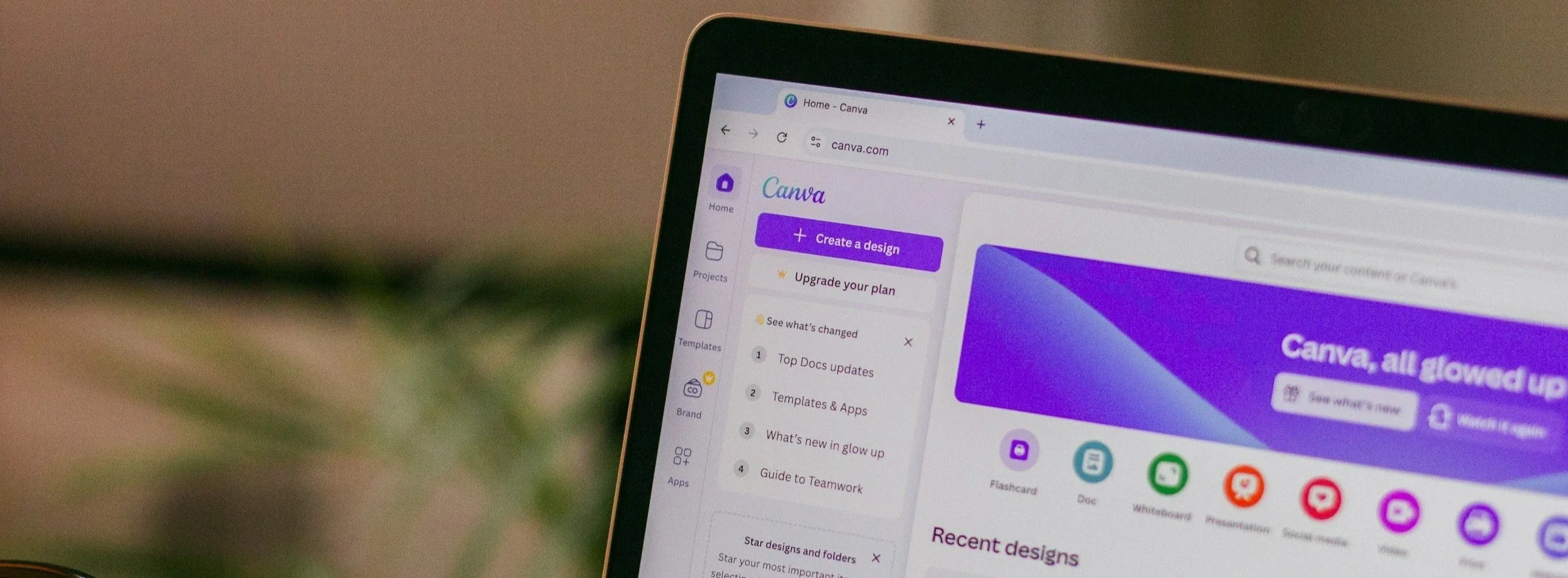
How Canva Fast-Tracks the Content Creation Process
This is where Canva becomes a small business owner's secret weapon. It simplifies the design stage — the step that usually eats up the most time.
Here’s why it works:
Templates galore: Choose from thousands of professionally designed templates tailored for small business marketing.
Customisable to your brand: Set up your logo, brand colours, and fonts once — then apply them to every post automatically.
Easy to use: Drag-and-drop editing means no complicated software, no steep learning curve, no design background needed.
Batching made easy: Create a week's worth (or a month's worth!) of posts in one session, instead of scrambling day-to-day.
When you're managing your own marketing for small business, especially for social media, speed and simplicity are everything — and Canva delivers both.
What You Can Create in Canva for Social Media Marketing
If you’re wondering what kinds of content you can create quickly with Canva, here’s a peek:
Eye-catching Instagram and Facebook posts
Engaging Stories and Reels covers
Event promotions and announcements
Client testimonials and success stories
Animated graphics and simple motion posts
Product showcases and service highlights
Promotional flyers for upcoming sales or events
With Canva, you can turn a rough idea into a polished, professional post — without spending hours (or a fortune) on it.
Final Thoughts
Marketing for small business doesn’t have to be overwhelming — and it definitely doesn’t have to drain your budget. With Canva, you can fast-track the design process, stay consistent, and show up online with confidence.
We use Canva every day, and we recommend it to every small business looking to build stronger marketing muscles. It's simple, powerful, and perfect for businesses that want to stay hands-on without feeling overwhelmed.
